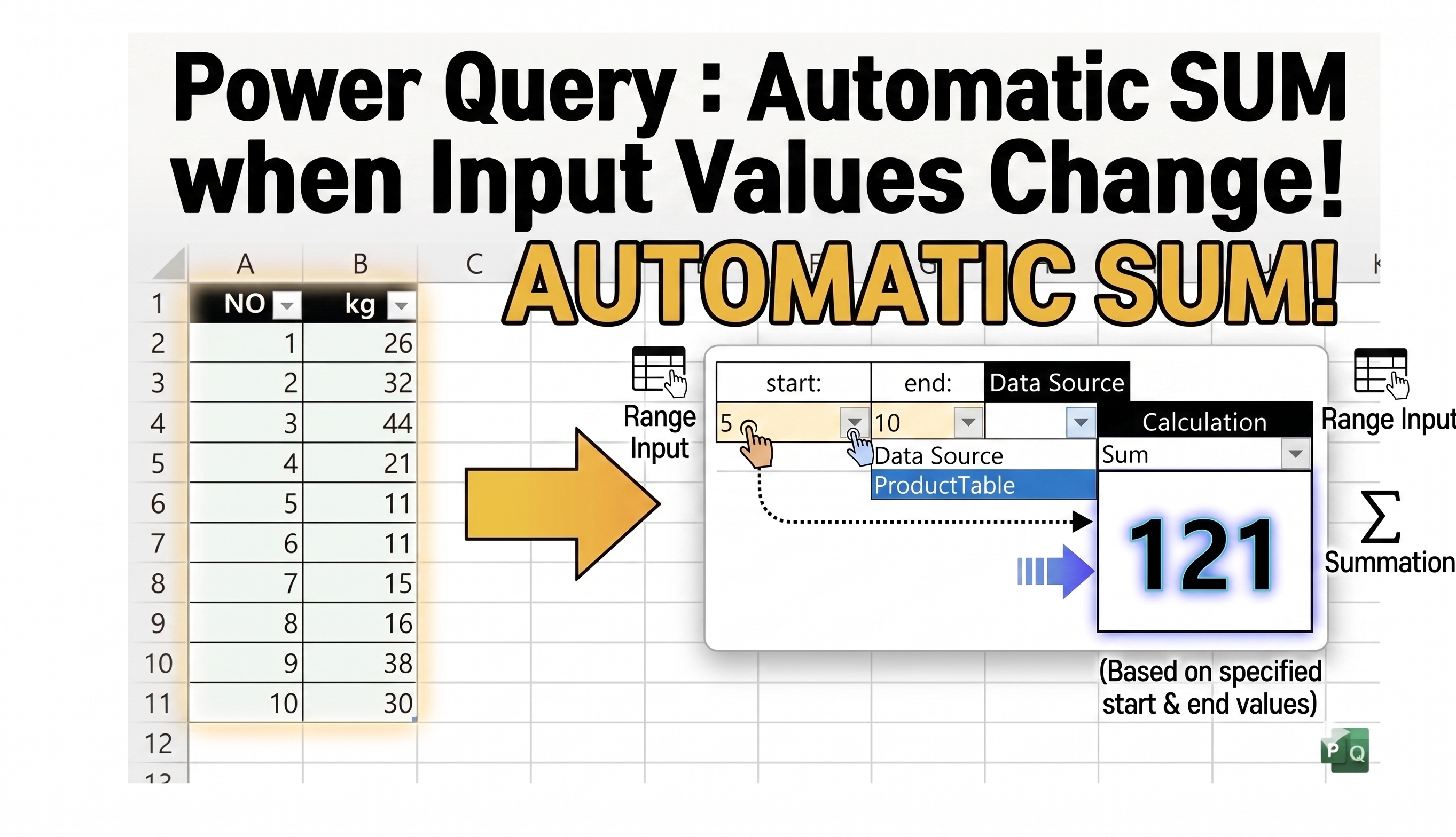
In Excel, there are many situations where we need to calculate totals only within a specific number range.
For example:
- Sum values between NO 5 and NO 20
- Calculate weight totals within a selected range
- Analyze partial sections of data automatically
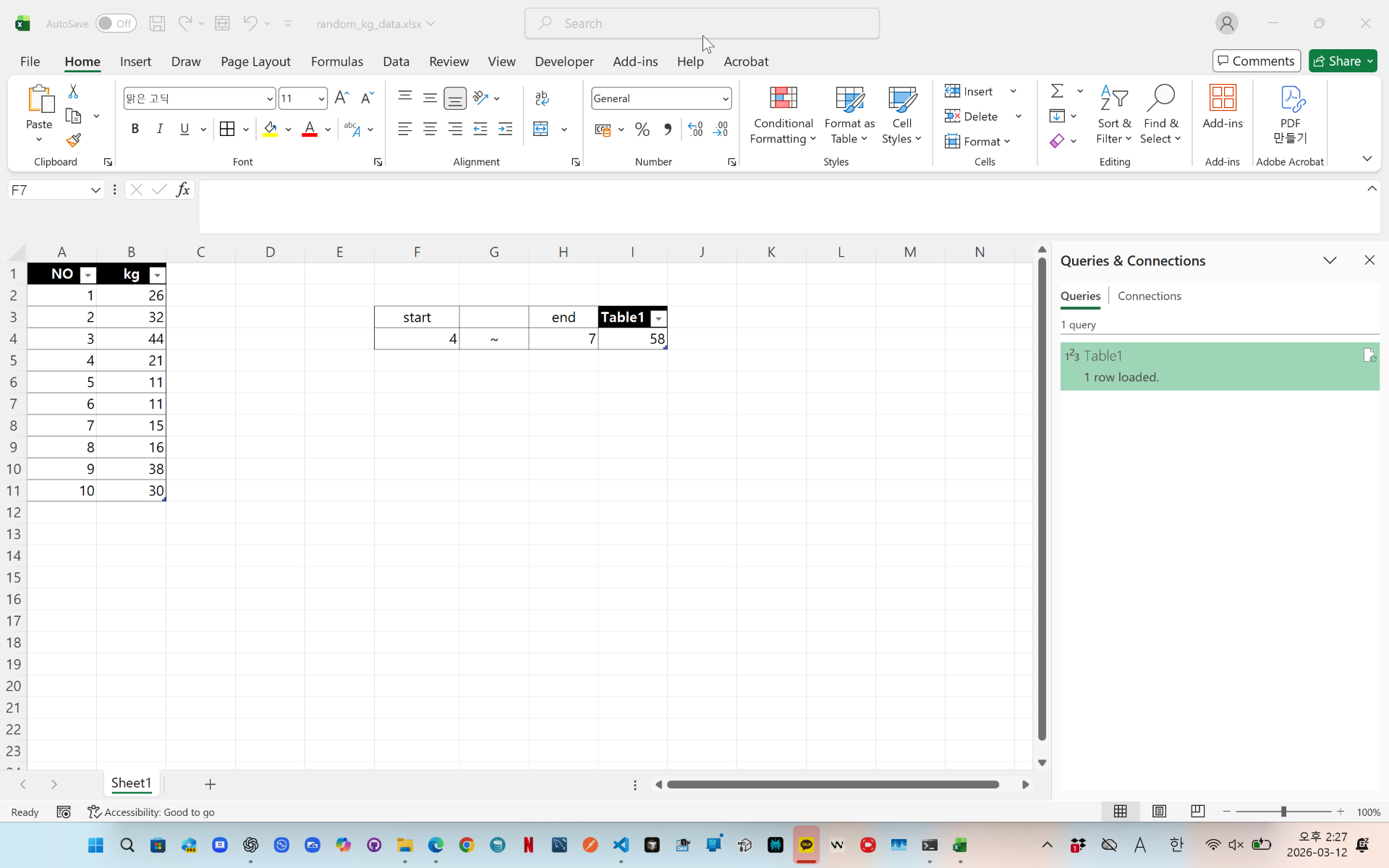
In this example, Power Query loads start and end values from separate Excel tables.
Then it filters the data automatically and calculates the total kg value within the selected range.
This method is useful for inventory analysis, production management, logistics reports, and Excel automation.
videolink - https://youtu.be/tYkehnREyZA
Download the sample file below.
You can download the zip file in [Download] page
The file name is 10.range-sum-calculation.zip.
Use the English M code provided for your dataset.
--------------------------------
Need a custom automation for your Excel workflow?
I can build a tailored solution based on your data.
✔ Used in real-world business automation
✔ Saves hours of manual work
minbedata@gmail.com
You can pay via PayPal.
You don't worry about conversing with me.
My Major is an English literature, so I can speak English fluently and read, listening, writing proficiently
korean version web address (한국버전) is
<a href="https://blog.naver.com/minbe-data" target="_blank">네이버 블로그 바로가기</a>