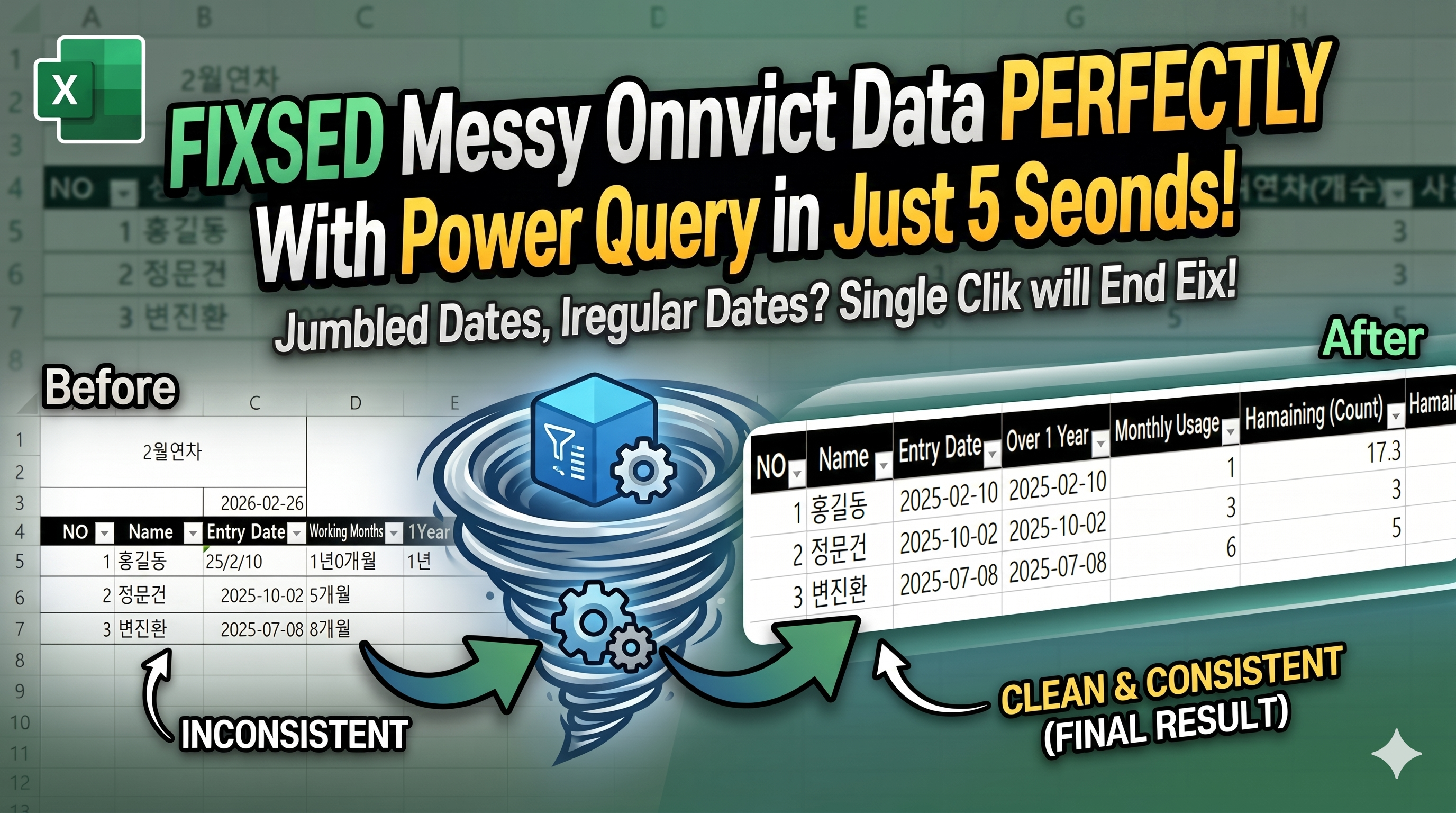
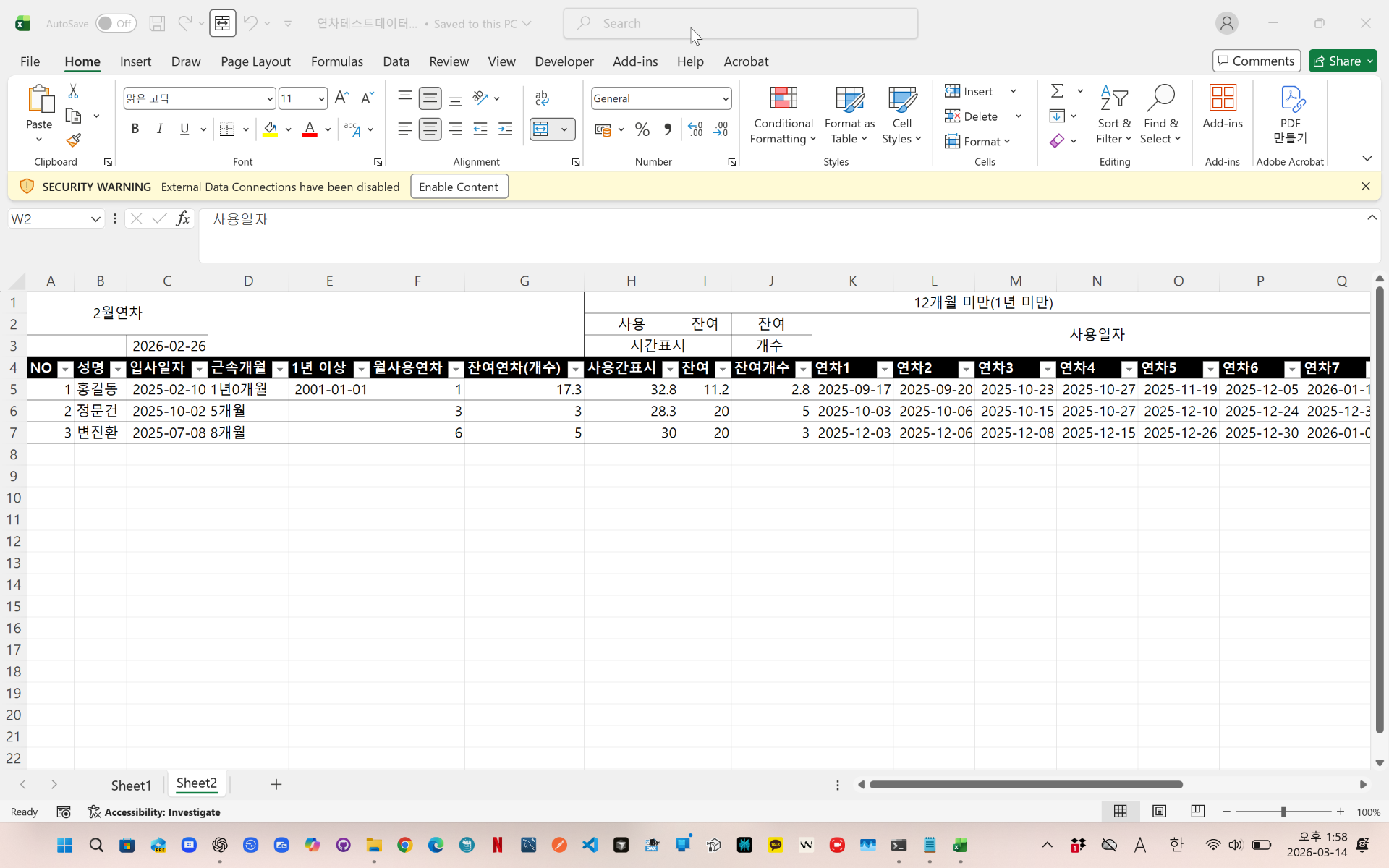
In Excel, employee leave dates are often stored across multiple columns such as Leave1, Leave2, Leave3, and so on.
The problem is that we may need to count how many leave days each employee used in a specific month.
With Power Query, this can be automated easily.
In this example, the main data table is named Table1, and the target month is stored in a separate named range called TargetMonth.
Power Query checks all leave date columns, compares each date with the selected target month, and returns the number of matching leave days in a new column called MonthlyLeaveUsed.
This method is useful because when new leave dates are added or the target month is changed, the result can be updated simply by clicking Refresh.In Excel, employee leave dates are often stored across multiple columns such as Leave1, Leave2, Leave3, and so on.
The problem is that we may need to count how many leave days each employee used in a specific month.
With Power Query, this can be automated easily.
In this example, the main data table is named Table1, and the target month is stored in a separate named range called TargetMonth.
Power Query checks all leave date columns, compares each date with the selected target month, and returns the number of matching leave days in a new column called MonthlyLeaveUsed.
This method is useful because when new leave dates are added or the target month is changed, the result can be updated simply by clicking Refresh.
videolink - https://youtu.be/Dkn08M7dI2A
Download the sample file below.
You can download the zip file in [Download] page
The file name is 11.monthly_leave_count.zip
Use the English M code provided for your dataset.
✔ Download the ready-to-use Power Query template below
✔ Just copy and paste the M code – works instantly
You may need to manipulate the M code under your circumstance. You consider this point and use M code.
below txt file is detailed-explanation. You use M code in reference with this explanation.
------------------------------------------------------------------
Need a custom automation for your Excel workflow?
I can build a tailored solution based on your data.
✔ Used in real-world business automation
✔ Saves hours of manual work
minbedata@gmail.com
You can pay via PayPal.
You can also contact me via Upwork for secure payment and project handling.
<a href="https://www.upwork.com/freelancers/~01eb52dbd212cffc17" target="_blank">
Hire me on Upwork
</a>
You don't worry about conversing with me.
My Major is an English literature, so I can speak English fluently and read, listening, writing proficiently
korean version web address (한국버전) is
<a href="https://blog.naver.com/minbe-data" target="_blank">네이버 블로그 바로가기</a>
'powerquery automation' 카테고리의 다른 글
| Power Query 출퇴근 데이터 정리 방법 | 근태 출근·퇴근 시간 자동 계산 (0) | 2026.04.07 |
|---|---|
| Power Query 두 컬럼 기준 중복 제거 방법 | 사고일·차량 입력용 테이블 자동 생성 (0) | 2026.04.06 |
| Power Query Range Sum Calculation (use ui) (0) | 2026.04.06 |
| Combine Multiple Tables and Calculate Totals by Code in Power Query | Table.Combine + Table.Group (0) | 2026.04.06 |
| Power Query Lead Time Calculation | Exclude Weekends and Holidays Automatically (0) | 2026.04.06 |