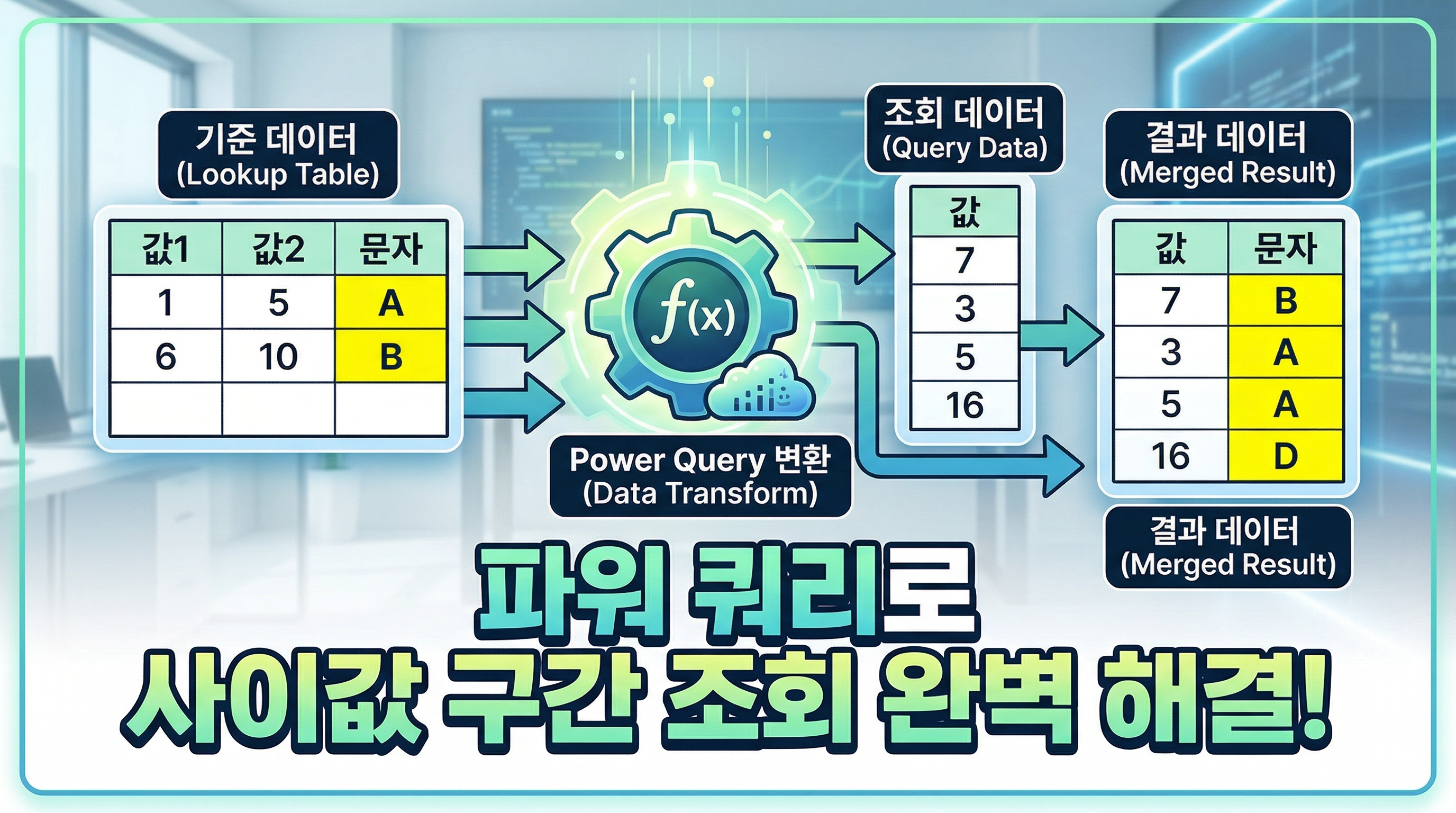
This tutorial shows how to categorize values based on a range using Power Query.
You can automatically assign labels depending on where the value falls.
The M code below can be directly applied to your dataset.
엑셀 작업을 하다 보면
값의 범위에 따라 데이터를 분류해야 하는 경우가 자주 발생합니다.
이번 예제에서는
특정 값이 어느 구간에 속하는지 자동으로 판단하여
문자를 붙이는 방법을 소개합니다.
(이미지 삽입)
Power Query를 사용하면
이 작업을 클릭 한 번으로 자동화할 수 있습니다.
아래 M code를 그대로 적용하면
데이터를 추가해도 자동으로 결과가 업데이트됩니다.

videolink - https://youtu.be/EValsPYbo1Q
Download the sample file below.
You can download the zip file in [자료실][Download] page
The file name is 25.자동문자분류(category value)
Use the English M code provided for your dataset.
The original sample file is based on a Korean dataset.
You can apply the English M code to adapt it to your own data.
If you need a customized solution, feel free to contact me via email.
minbedata@gmail.com
You can pay via PayPal.
You can also contact me via Upwork for secure payment and project handling.
<a href="https://www.upwork.com/freelancers/~01eb52dbd212cffc17" target="_blank">
Hire me on Upwork
</a>
You don't worry about conversing with me.
My Major is an English literature, so I can speak English fluently and read, listening, writing proficiently
korean version web address (한국버전) is
<a href="https://blog.naver.com/minbe-data" target="_blank">네이버 블로그 바로가기</a>