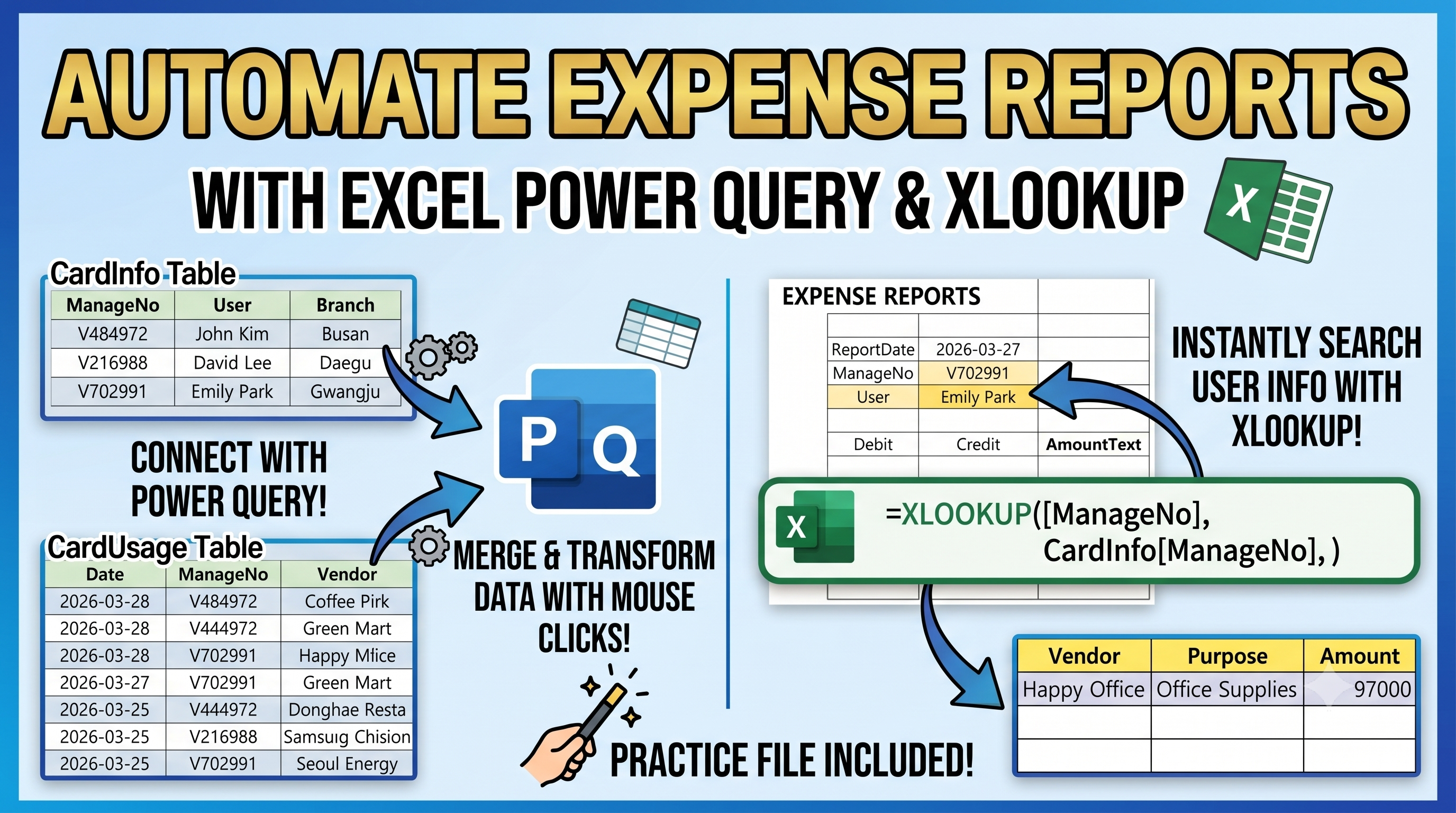
In Excel expense reports, card usage data is often stored in a separate table.
When preparing an expense report, we usually need to bring only the transactions that match a selected date and management number.
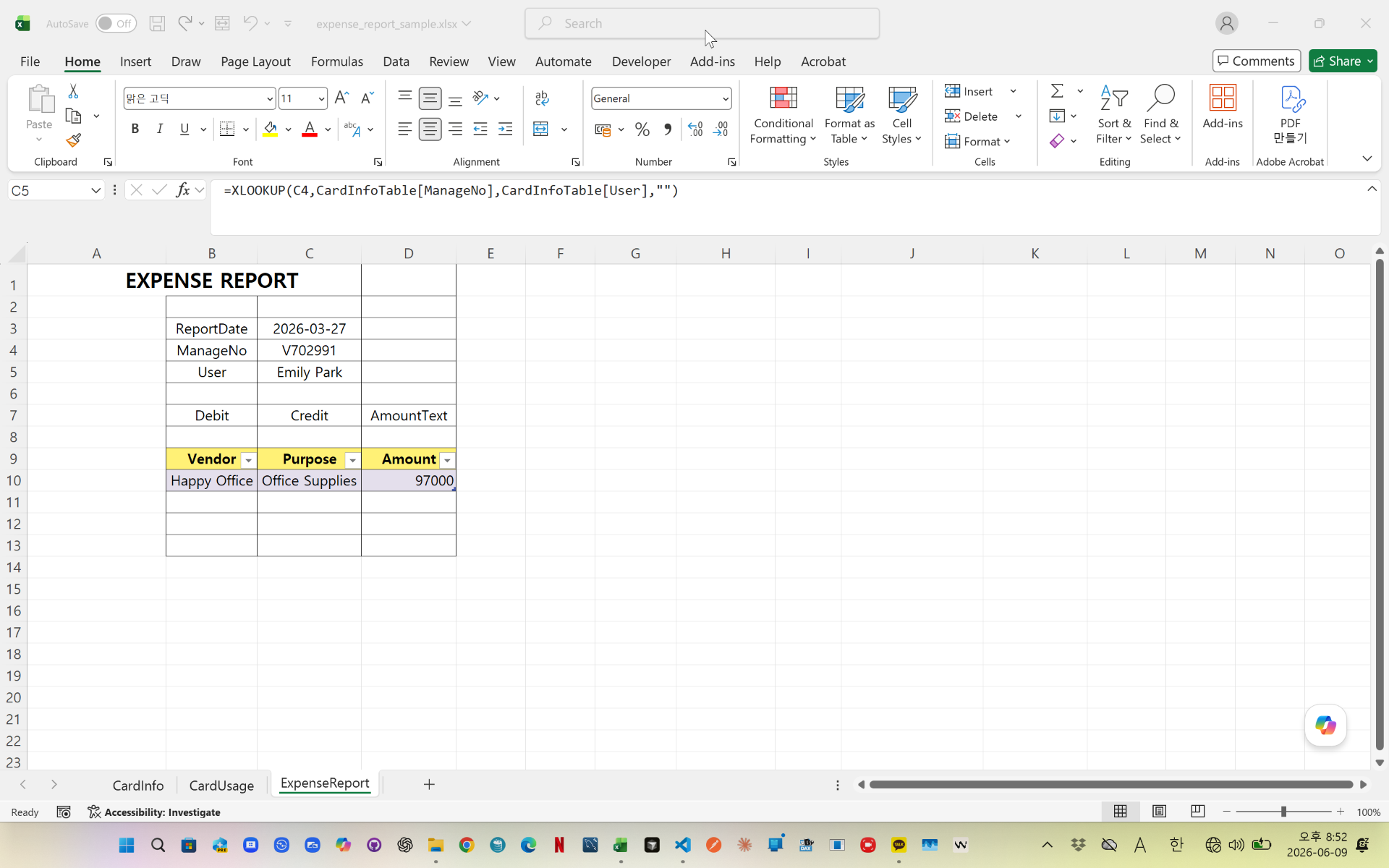
In this example, XLOOKUP is used to bring key report information, while Power Query filters the related card usage records automatically.
Power Query checks:
- Report Date
- Management Number
- Amount greater than zero
Then it sorts the matching transactions by amount and removes unnecessary columns.
The final result can be used directly in an expense report table.
This method is useful for corporate card reports, expense settlement, accounting automation, and Excel reporting workflows.


videolink - https://youtu.be/7B7FOahGGUo
Download the sample file below.
You can download the zip file in [Download] page
The file name is 48.expense_report_auto_fill.zip.
Use the English M code provided for your dataset.
You may need to manipulate the M code under your circumstance. You consider this point and use M code
below txt file is detailed-explanation. You use M code in reference with this explanation.
---------------------------------------------------------
Need a custom automation for your Excel workflow?
I can build a tailored solution based on your data.
✔ Used in real-world business automation
✔ Saves hours of manual work
minbedata@gmail.com
You can pay via PayPal.
You don't worry about conversing with me.
My Major is an English literature, so I can speak English fluently and read, listening, writing proficiently
korean version web address (한국버전) is
<a href="https://blog.naver.com/minbe-data" target="_blank">네이버 블로그 바로가기</a>