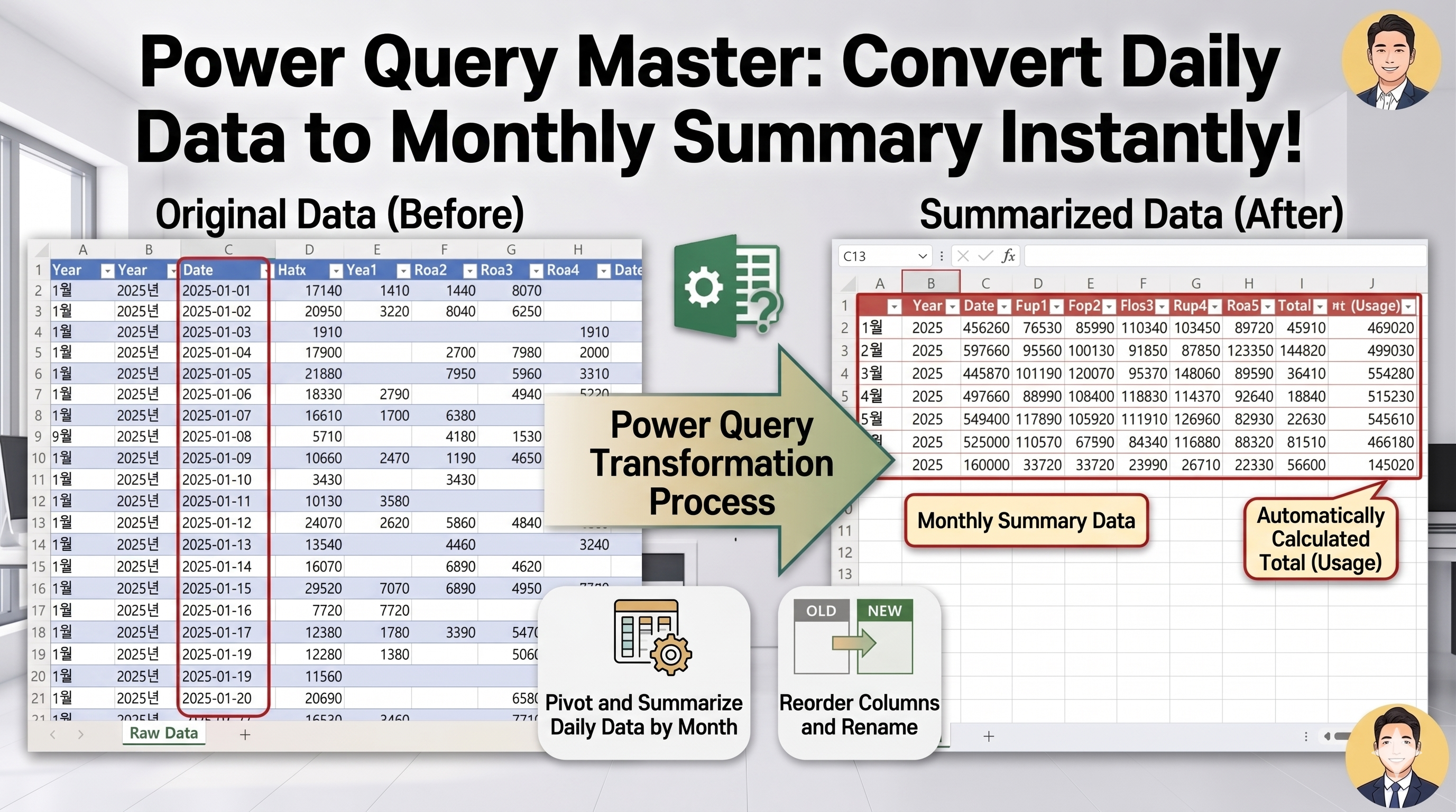
Managing inventory data in Excel often becomes difficult when daily usage and receipt records accumulate over time.
In this example, Power Query automatically creates a monthly inventory summary report.
The process includes:
- Replacing null values with zero
- Extracting month numbers from dates
- Grouping data by month and year
- Calculating total receipts
- Summing product usage
- Retrieving the latest stock value
- Creating a total usage column
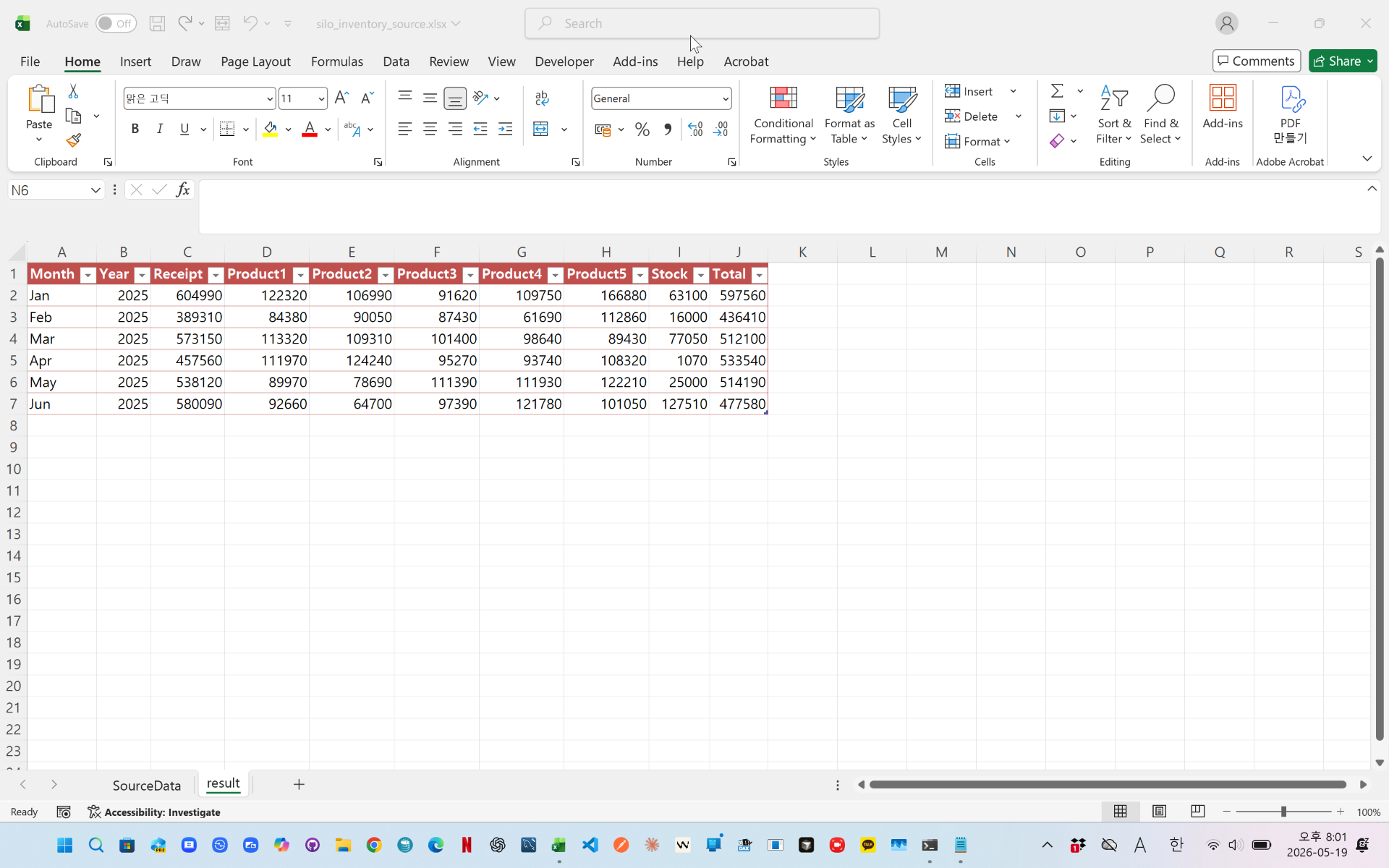
The final result provides a clean monthly inventory report that updates automatically with Refresh.
This method is useful for warehouse management, stock analysis, production tracking, and Excel reporting automation.

videolik - https://youtu.be/FRn5hDDSTn8
Download the sample file below.
You can download the zip file in [Download] page
The file name is 27.monthly_inventory_summary.zip.
Use the English M code provided for your dataset.
You may need to manipulate the M code under your circumstance. You consider this point and use M code
below txt file is detailed-explanation. You use M code in reference with this explanation.
---------------------------------------------------------
Need a custom automation for your Excel workflow?
I can build a tailored solution based on your data.
✔ Used in real-world business automation
✔ Saves hours of manual work
minbedata@gmail.com
You can pay via PayPal.
You don't worry about conversing with me.
My Major is an English literature, so I can speak English fluently and read, listening, writing proficiently
korean version web address (한국버전) is
<a href="https://blog.naver.com/minbe-data" target="_blank">네이버 블로그 바로가기</a>