
When working with Excel planning files,
it is common to compare yesterday’s data with today’s updated data.
This example shows how to use Power Query
to automatically detect added rows, deleted rows, and changed rows.
The result can be refreshed anytime without manual comparison.
엑셀 작업을 하다 보면
전일에 받은 자료와 금일에 받은 자료를 비교해야 하는 경우가 자주 있습니다.
특히 출하 계획표나 생산 계획표처럼
항목은 비슷하지만 일부 행이 추가되거나 삭제되고,
같은 항목이라도 수량만 바뀌는 경우가 많습니다.
이번 예제에서는
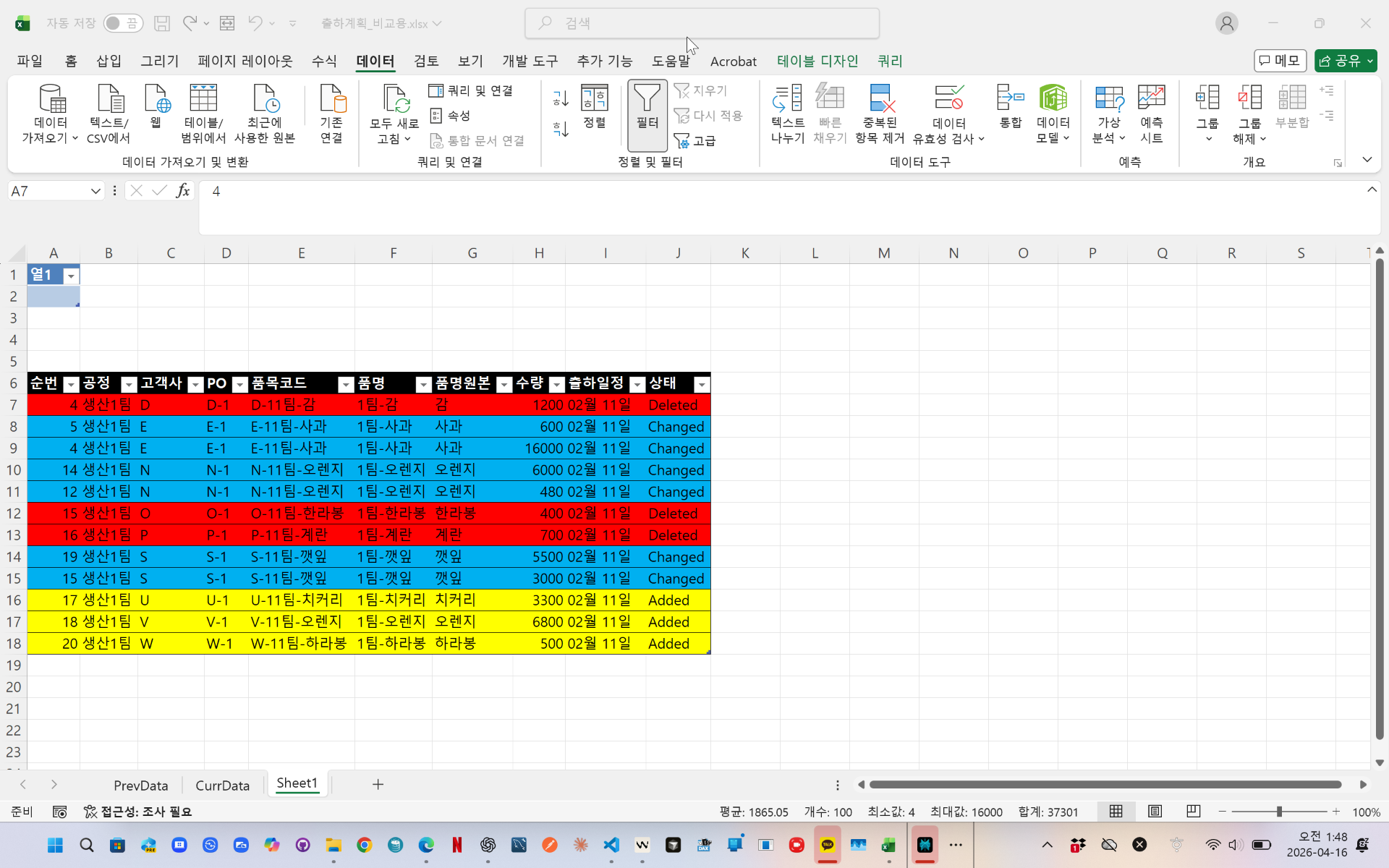
이전 자료와 현재 자료를 Power Query로 비교하여
추가된 행, 삭제된 행, 변경된 행을 자동으로 구분하는 방법을 소개합니다.
(이미지 삽입)
Power Query를 사용하면
두 파일을 다시 붙여넣어 비교하지 않아도
새로고침만으로 변경 내용을 자동으로 확인할 수 있습니다.
videolink - https://youtu.be/x1yDKRiixMQ
Download the sample file below.
You can download the zip file in [자료실][Download] page
The file name is 39.전일 자료와 금일 자료(comparing prev and curr)
Use the English M code provided for your dataset.
✔ Download the ready-to-use Power Query template below
✔ Just copy and paste the M code – works instantly
The original sample file is based on a Korean dataset.
You can apply the English M code to adapt it to your own data.
--------------------------------
Need a custom automation for your Excel workflow?
I can build a tailored solution based on your data.
✔ Used in real-world business automation
✔ Saves hours of manual work
minbedata@gmail.com
You can pay via PayPal.
You can also contact me via Upwork for secure payment and project handling.
<a href="https://www.upwork.com/freelancers/~01eb52dbd212cffc17" target="_blank">
Hire me on Upwork
</a>
You don't worry about conversing with me.
My Major is an English literature, so I can speak English fluently and read, listening, writing proficiently
korean version web address (한국버전) is
<a href="https://blog.naver.com/minbe-data" target="_blank">네이버 블로그 바로가기</a>