minbe-data 님의 블로그

  • 홈
  • 태그
  • 방명록

2026/04/16 2

Power Query: Conditional Average Calculation by Category (Excel Automation)

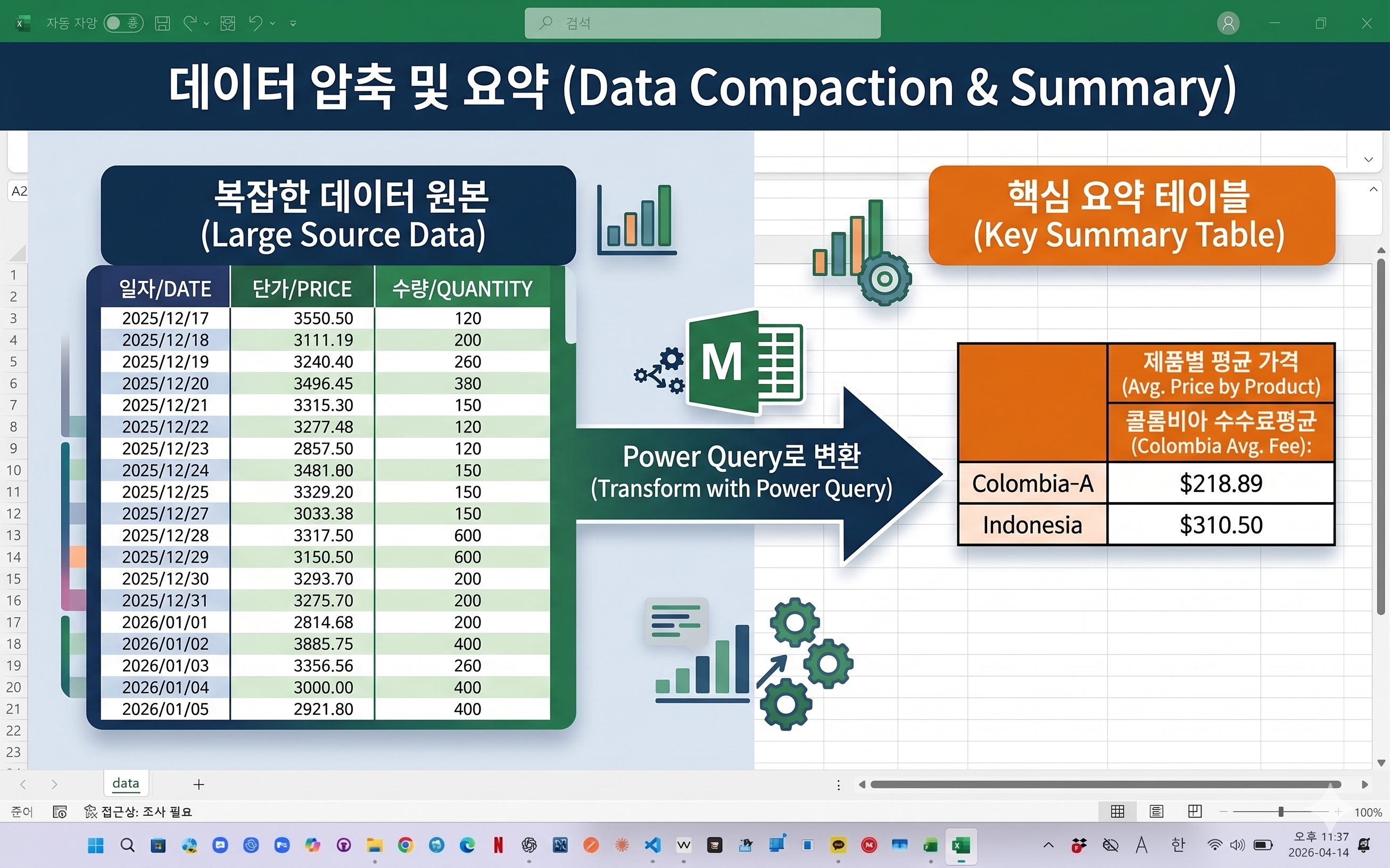
In Excel, calculating averages based on specific conditions is a common task. This example shows how to filter data by category and value, then automatically calculate the average using Power Query. 엑셀 데이터를 처리하다 보면 특정 조건을 만족하는 데이터만 골라 평균을 계산해야 하는 경우가 많습니다. 이번 예제에서는 산지와 특정 값 조건을 기준으로 데이터를 필터링한 뒤 평균값을 자동으로 계산하는 방법을 소개합니다. (이미지 삽입) Power Query를 활용하면 복잡한 함수 없이도 클릭 몇 번으로 조건 필터와 평균 계산을 동시에 처리할 수 있으며 데..
powerquery automation 2026.04.16

Power Query Compare Two Excel Tables (Detect Added, Deleted, and Changed Rows)

When working with Excel planning files, it is common to compare yesterday’s data with today’s updated data. This example shows how to use Power Query to automatically detect added rows, deleted rows, and changed rows. The result can be refreshed anytime without manual comparison. 엑셀 작업을 하다 보면 전일에 받은 자료와 금일에 받은 자료를 비교해야 하는 경우가 자주 있습니다. 특히 출하 계획표나 생산 계획표처럼 항목은 비슷하지만 일부 행이 추가되거나 삭제되고, 같은 항목이라도 수량만 ..

powerquery automation 2026.04.16
이전
1
다음
더보기
프로필사진

minbe-data 님의 블로그

minbe-data 님의 블로그 입니다.

  • 분류 전체보기 (45)
    • Excel automation (3)
    • powerquery automation (42)
    • power BI (0)
    • Data system automation (0)

Tag

최근글과 인기글

  • 최근글
  • 인기글

최근댓글

공지사항

  • [Download] Excel Power Query Practice File Downloa⋯

페이스북 트위터 플러그인

  • Facebook
  • Twitter

Archives

Calendar

«   2026/04   »
일 월 화 수 목 금 토
1 2 3 4
5 6 7 8 9 10 11
12 13 14 15 16 17 18
19 20 21 22 23 24 25
26 27 28 29 30

방문자수Total

  • Today :
  • Yesterday :

Copyright © AXZ Corp. All rights reserved.

티스토리툴바